Survival
Treating injuries
How health, body-part injuries, bleeding and broken bones work, what treats each one and how to read the Medical column.
Health and what drains it
You have 100 health. Hits, falls, bleeding, starvation, dehydration, extreme cold and drowning all take it away. Damage from a hit or fall is recorded against the body part it struck; survival causes such as hunger count as general loss. When health reaches zero you die and return as a fresh survivor with full health and no injuries, although food and water start lower and sickness stays with you.
Survival drains add up quickly. An empty food or water bar costs about 6 health a minute each, and a core temperature below 33 °C costs about 4 a minute. Running out of air underwater drains health every second. While a survival cause is taking health, a flashing banner above your vitals names the cause and the fix.
Body parts and their condition
Your body has six parts: head, torso, left arm, right arm, left leg and right leg. Each part has its own condition, shown as a percentage that falls from 100% as trauma builds up. Condition is separate from your health bar: a part can read 100% while health is still missing, and the six parts never add up to your total health.
Light trauma has no effect, but a hurt or seriously hurt part does. A bad leg makes you walk 10 or 20% slower, and a seriously hurt leg makes sprinting cost more stamina. A hurt torso slows stamina recovery, a hurt arm slows reloading and weapon handling and adds aim sway, and a serious head injury adds aim sway. Only your worse arm and worse leg count, so injuries on both sides do not stack.
Bleeding and broken bones
Hits can start bleeding, most often from blades and bullets, and long falls can too. Bleeding drains about 6 health a minute however many parts are bleeding. It never stops on its own and it halts all natural recovery, so stop it first. Arms and legs can also break: a limb that takes enough trauma fractures, heavy blows and animal attacks can snap an arm, and hard landings can break a leg.
Falls start to hurt from about 3 metres and are deadly from about 22 metres. From 2.5 metres up, a landing can also break a leg, and the risk grows with height. A break is always a serious injury and never heals until it is splinted. Animals and fighters favour different body parts, and crouching makes leg hits less likely.
Medical items
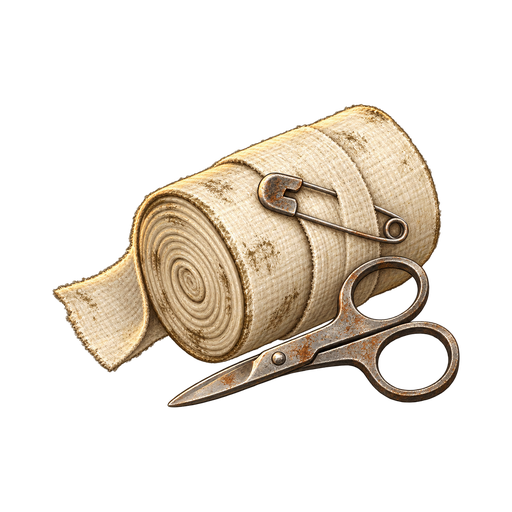
You can only treat yourself, and each treatment takes a few seconds. You walk slowly while treating, and sprinting, jumping, reloading, changing your held item or taking a hit cancels it without using up the item. A Bandage stops the bleeding on the chosen part and restores a little health. A Splint goes on a broken arm or leg: it restores no health, but it starts the bone healing, which takes about ten minutes.
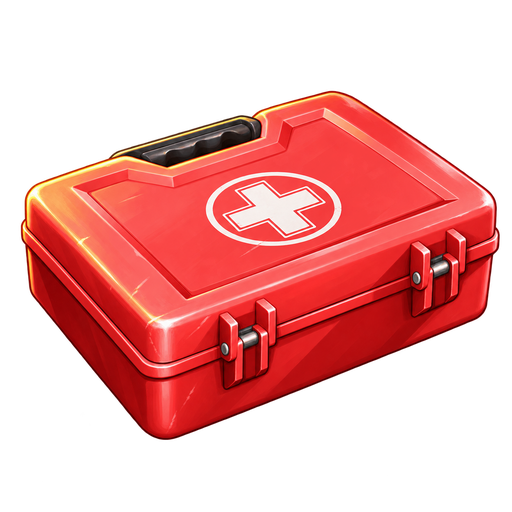
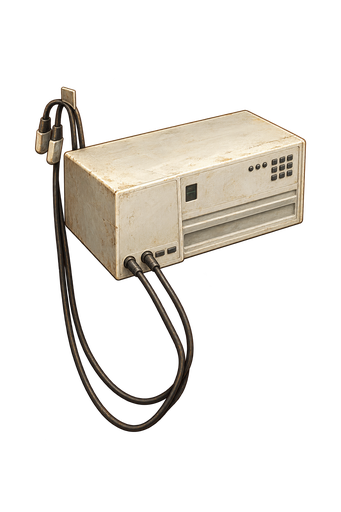
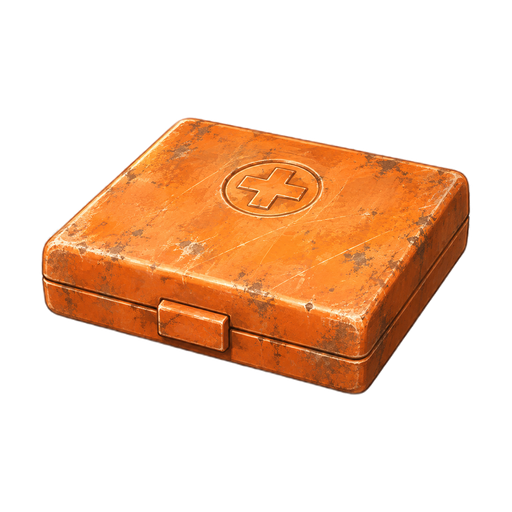
A First Aid Kit stops bleeding everywhere, clears the trauma on the chosen part, restores 20 health per use and cures sickness. The AI-2 Med Kit does the same faster and restores 35 health. The Primitive First Aid Kit stops all bleeding and restores 15 health, but only brings a part back up to 50% condition. No kit mends a broken bone. An item that would change nothing is refused and kept.
Natural recovery
After a minute without taking damage you slowly regain about 2 health a minute, and trauma fades on its own: light trauma in about 90 seconds, serious trauma or a splinted break in about ten minutes. Recovery stops completely while you are bleeding, while food or water is at 10% or less, while your core temperature is below 33 °C, while you are underwater or out of breath, or while you stand in a dust storm in the open.
Recovery runs at half speed while you are hungry or thirsty, sick, cold, soaking wet or sprinting. Several slowing causes do not stack, but every one must be fixed for full speed: eat, drink, warm up, dry off and walk. Nothing heals while you are dead or logged out.
Reading the medical panel
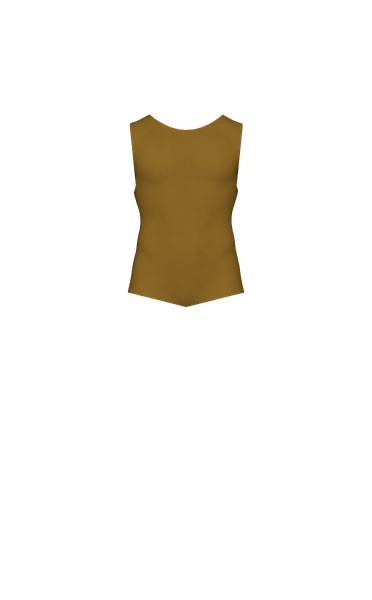
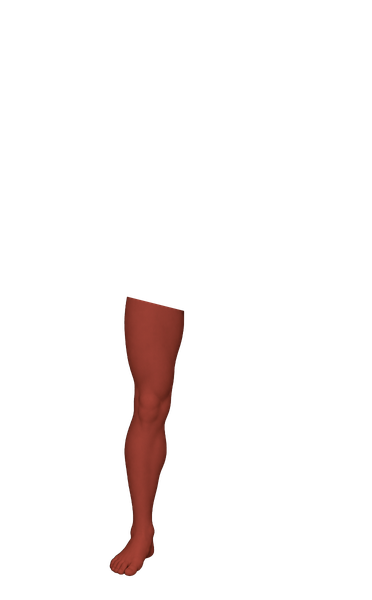
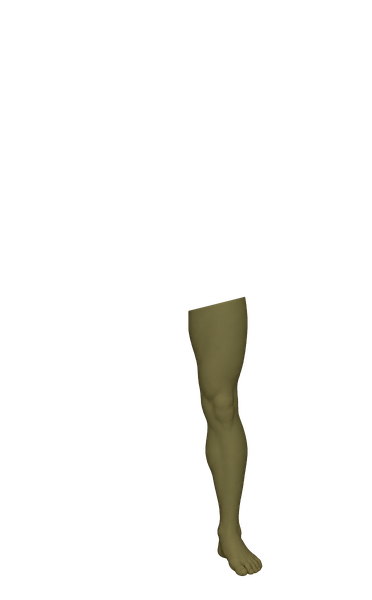
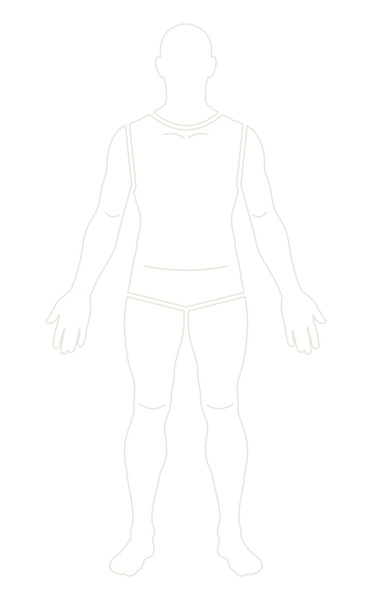
Open your inventory to find the Medical column on the right of the equipment view. At the top are your total health and a segmented health bar: the health you have, then the health missing from each part in that part's colour, then general loss, with a line naming what is missing. Below are three tabs. Body shows a figure with six tinted zones and a row for each part with its status and condition percentage.
Select a part to read what is wrong, what it costs you and what treats it, then press Use to choose a medical item you carry, or drag the item onto the part. The Condition tab is a full report: core temperature and what is pushing it, recovery speed and what is slowing it, active conditions, missing health by part, current penalties and the best next treatment. The Armour tab shows what protects each part.

Treatment items
Selected items: 5
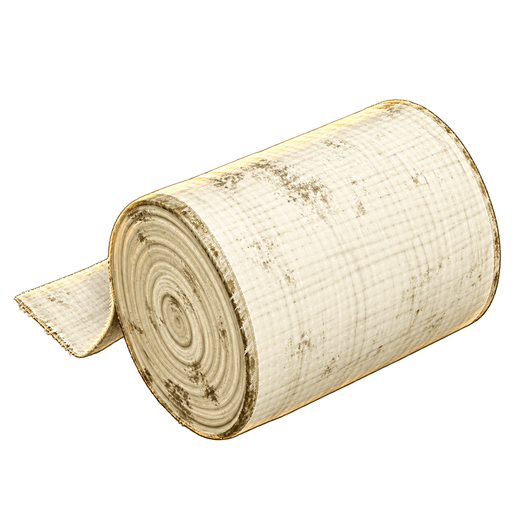
- BandageA basic bandage used to stop bleeding and heal minor injuries.
- First Aid KitA makeshift first aid kit with several uses. Stops bleeding and heals major wounds.
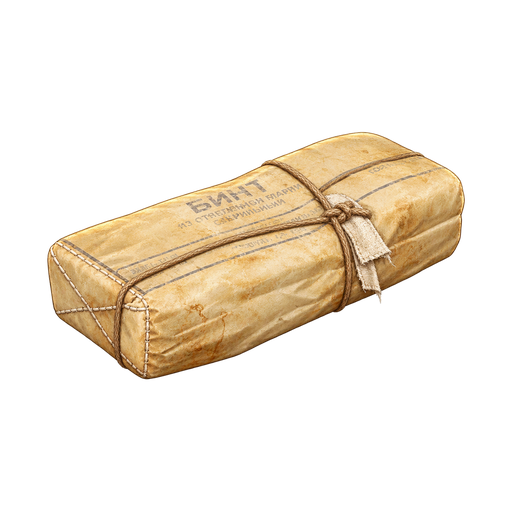 Primitive First Aid KitImprovised dressings. Restores 15 HP and stops bleeding on every body part.
- AI-2 Med KitA compact military medical kit with several uses. Stops bleeding and restores health.
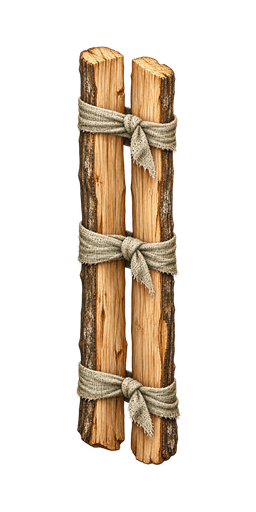
- SplintSupports one fractured arm or leg. Does not restore health or stop bleeding.
Bleeding control materials
Selected items: 3
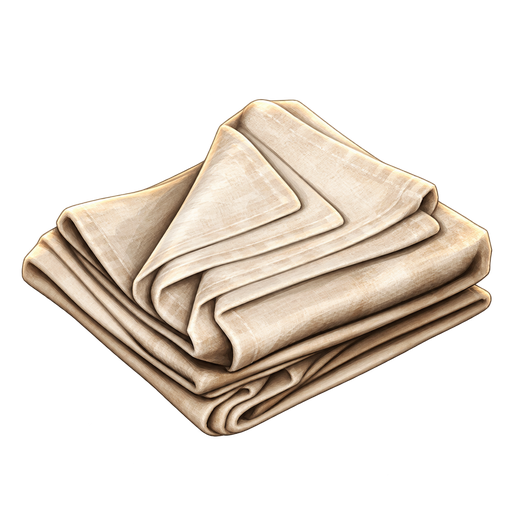 ClothFlat handmade cloth pieces used to craft clothing. Can also be used to stop bleeding.
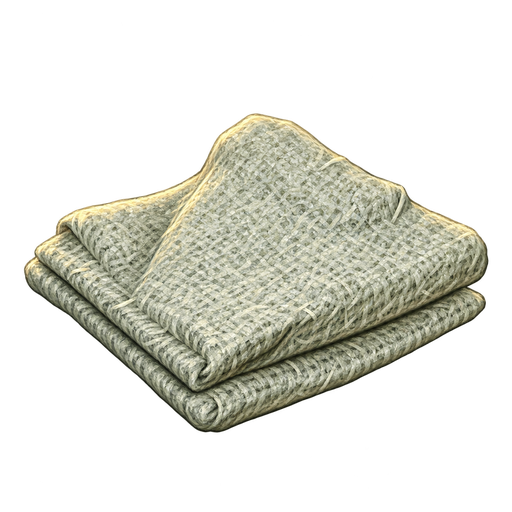 Plant Fiber ClothVery basic cloth, crudely woven from plant fiber. Can also be used to stop bleeding.
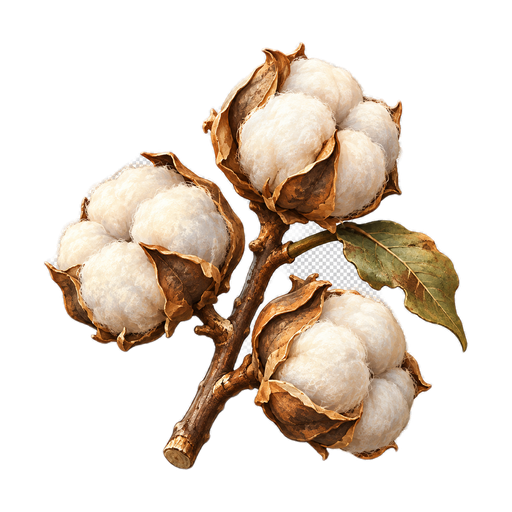 CottonRaw cotton picked from the plant. Can be used to stop bleeding, or broken down for seeds at a seed extractor.
Skills
5