Building
Base defence
Guard your base with turrets, traps and locks, and learn what raiders and other players can do to it.
Turrets
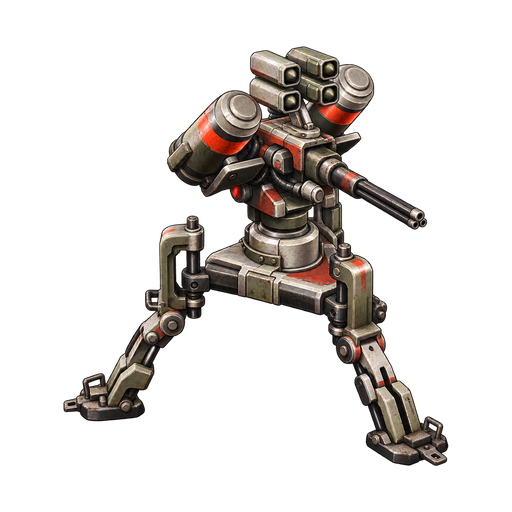
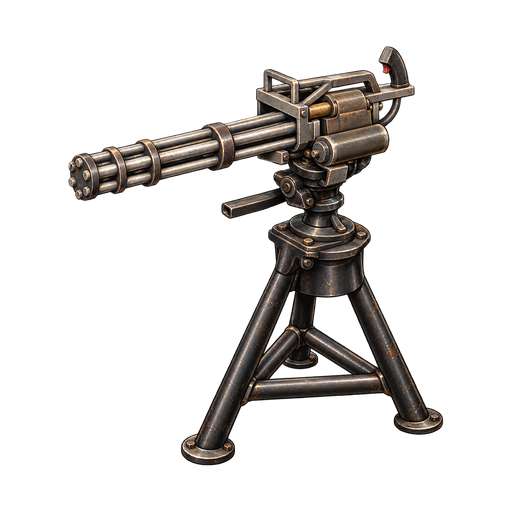
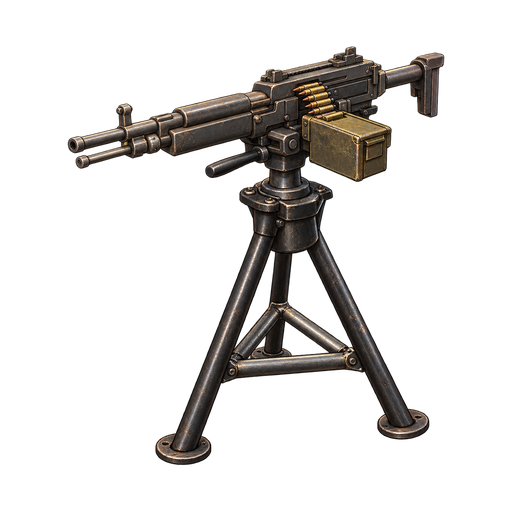
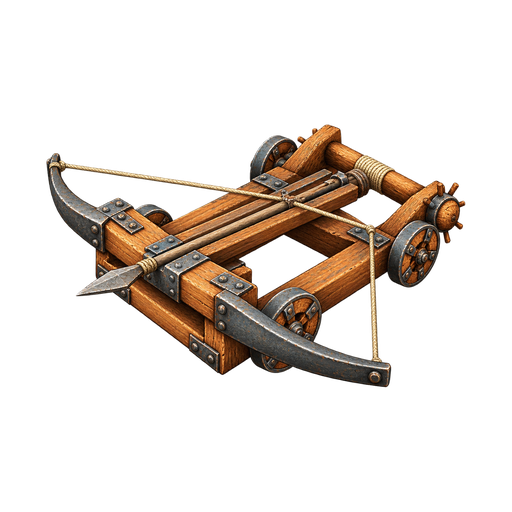
Four turrets guard a base by themselves: the Ballista Turret, the M2 Browning Turret, the Minigun Turret and the TADS Turret (TADS stands for Territory Automated Defense System). Make the Ballista and the M2 Browning at a Crafting Bench and the Minigun and TADS at a Weapon Bench; Weapons traders also sell all four. Place a turret like any other building part: the same building rules apply.
Turret ammunition and power
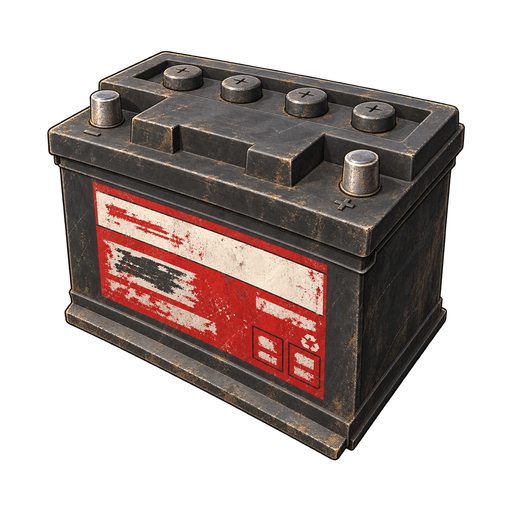
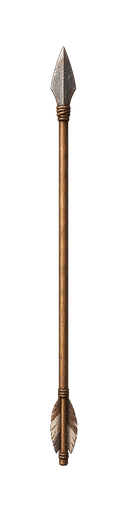
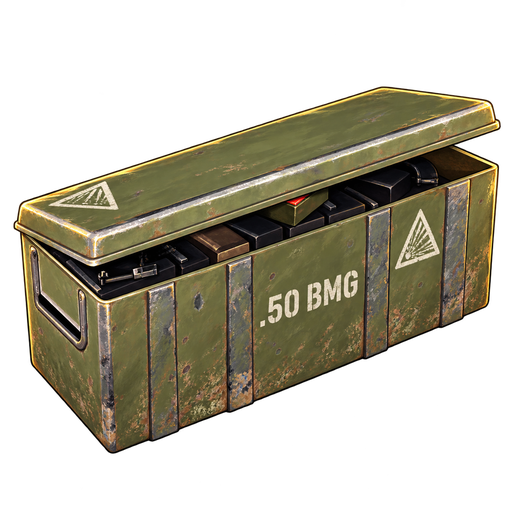
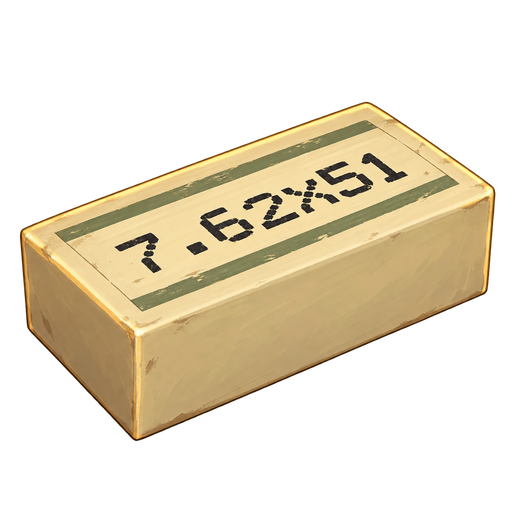
Each turret fires one kind of ammunition: the Ballista fires Ballista Bolts, the M2 Browning .50 BMG, and the Minigun and TADS 7.62x51mm. The Ballista needs no power, and its bolts stay where they hit, so you can pick them up again. The M2 Browning runs on a charged Vehicle Battery kept in its own storage. A full battery lasts about half an hour of tracking and firing; waiting for a target uses none. The Minigun and TADS need grid power through a cable, and they pass power on to the next device even while switched off. Without ammunition or power a turret keeps its setting but cannot fire.
Setting up turrets
Use Open magazine to load a turret and Turn on or Turn off to switch it. Only you and your squad can do either. The turret's storage shows the ammunition it takes; the M2 Browning also shows whether it has a charged battery, and the Minigun and TADS show Powered or No power. The Defences row of the Power switches at the bottom of your inventory arms or disarms every turret and Flamethrower Trap you and your squad own nearby. The Ballista is not on that switch: turn it on and off by hand.
What turrets shoot
A turret that is switched on shoots the afflicted, bandits, hunters, soldiers and aggressive animals, and on a PvP server other players. It never shoots you, your squad, traders, survivors, passive animals such as deer, or crows. It needs a clear line of sight, reaches roughly fifty metres and takes a moment to lock on to a new target. On a PvE server turrets never shoot other players, but they still defend your base against everything else.
Looking after turrets
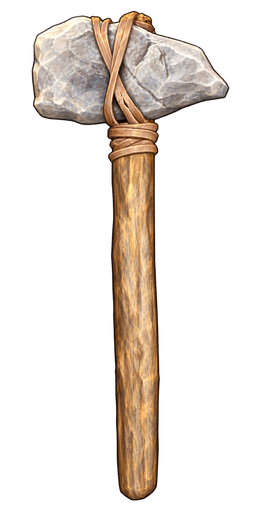
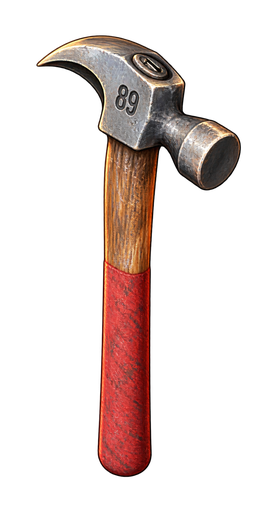
A turret's menu shows its health. Hold a hammer to repair it like any other building part. Before you can dismantle a turret, take out all its ammunition and its battery. A destroyed turret drops its ammunition and battery where it stood.
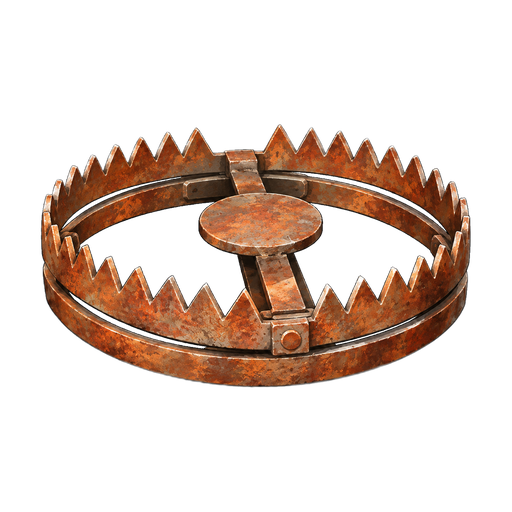
Traps: Bear Trap
Make the Bear Trap at a Crafting Bench and set it where enemies will walk. It catches about half of those who step on its plate: it snaps shut, wounds them and holds them in place for about thirty seconds. They can still look around, and it lets go if they die. Anyone who steps on it and is not caught must step off and on again to risk it. A set trap cannot tell friend from foe: on a PvP server it catches you, your squad and other players as well as people and animals. On a PvE server it never catches other players. Once it has sprung, you or a squadmate can use Reset bear trap or pick it up; a set trap cannot be picked up or dismantled.
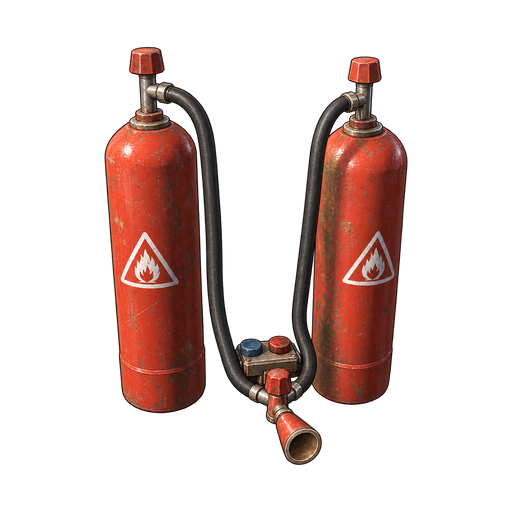
Traps: Flamethrower Trap
The Flamethrower Trap is an electrical device made at a Crafting Bench. Place it on the ground or a floor and connect it to power. While it has power and is switched on, it burns anyone who comes close in front of its nozzle, you and your squad included, so point it where enemies come in. The Defences switch arms and disarms it. On a PvE server it never hurts other players.
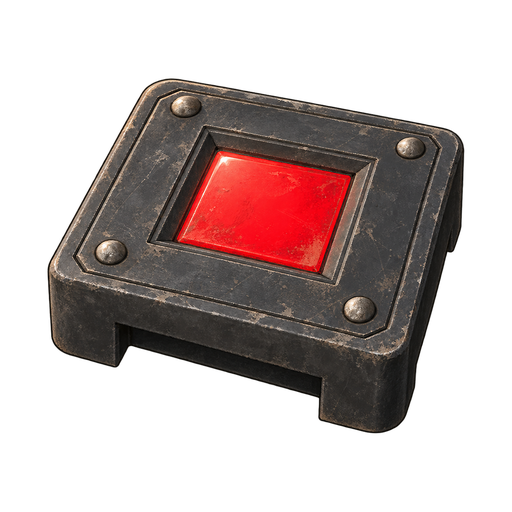
Sensors: Laser Detector and Pressure Plate
The Laser Detector and the Pressure Plate are made at a Crafting Bench and work like switches that a visitor presses. Cable one between your power and the devices it should control. The Laser Detector needs a little power of its own and shines a short beam from its face; while anyone is in the beam, it passes power on, and a wall in the way blocks the beam. The Pressure Plate needs no power of its own and passes power on while anyone stands on it. Both react to everyone, you and your squad included: other players, people and animals all set them off, on PvE servers too. Only you and your squad can switch them, cable them or pick them up.
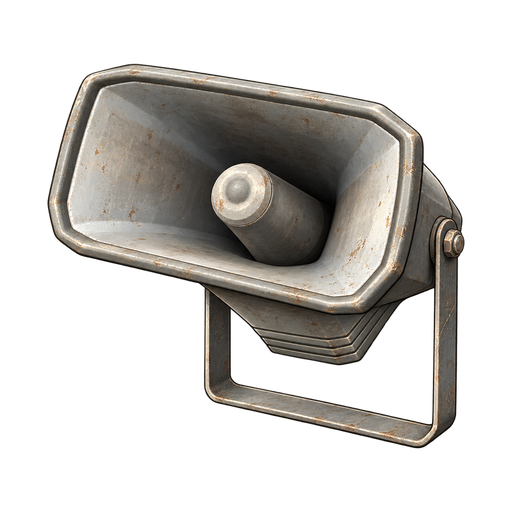
Alarms and what sensors switch
The Speaker is made at a Crafting Bench and sounds an alarm siren whenever it has power. Put it after a Laser Detector or Pressure Plate and it sounds only while someone is in the beam or on the plate. A sensor can switch lights or a Flamethrower Trap the same way; the trap still burns only someone in front of its nozzle. The Defences row of the Power switches covers turrets and Flamethrower Traps, not sensors: the All power row switches Laser Detectors and Speakers, and Pressure Plates are on no switch. Power basics explains cables and power sources.

Raids on your base
Raiders come for your base at random while you are there, with a break after each raid and none in your first ten minutes after joining the server. A base needs walls, doors or other building pieces for them to attack. Raids begin once you or someone in your squad reaches level 3: at first only one or two Sick come to look, and they cannot break anything. From level 5 real raids come, and they grow with the highest level in your squad: hordes of Sick and Insane, the afflicted with bandits, bandit squads and, at the highest levels, soldiers. Stronger squads throw grenades, and the strongest plant C4. Raids also grow with your base: from about 80 building pieces a raid brings more raiders, and from about 140 more still. A large base that is half stone or metal, or has two or more turrets or traps, draws raiders with more grenades and C4, and raiders who plant C4 bring extra charges for stone and metal walls.
The afflicted only break wooden parts and doors; stone and metal are safe from them. Bandits search unlocked storage and can carry off part of what is inside; kill the thief and search the body to get it back.
Bigger raids split up and come at your base from two, three or four sides at once, after a single warning. Raiders who cannot find a way in attack from outside: riflemen shoot at wooden or damaged parts they can see and keep you pinned down behind stone and metal, others throw grenades where they last saw you or into tight clusters of building pieces, and a breacher walks up to plant C4 on the nearest wall or door. Melee raiders only strike wood.

Beating off a raid
When raiders set out, you and your squad see Raiders are coming for your base and hear a siren. They arrive about two minutes later and cannot damage your base before then. A raid is repelled when every raider is gone and at least one was killed by you, your squad or something you own: a turret, a trap, a grenade or C4. Otherwise the raid ends with The raiders turned back. If you and your squad all leave, the raiders leave too. If you and your squad die three times between you near your base during a raid, the raiders pull back and the raid ends with The raiders turned back. After such a raid, or one that destroyed a quarter of your base, the break before the next raid is twice as long.
Raid Warnings in Settings > General > Preferences turns the notices and siren off for you only; the raid still comes. Raids are the same on PvE servers. A COZY world has no raids.
Raiding by players
On a PvP server other players can break into your base. Guns and tools do little to building parts: wood suffers most, stone less and metal least. Explosives are the way through. C4 is made at a Weapon Bench; stick it to a wall, door, floor, ceiling or the ground and get clear before its short fuse runs out, because the blast hurts anyone nearby. One charge rarely breaks a wall or door, and metal takes the most. You can carry four C4 at a time.
On a PvE server no player can damage, open or loot another player's base, storage, stash or body; you and your squad can still use your own.
Offline raid protection
On a PvP server, once you and everyone in your squad have been off that server for half an hour, every part of your base takes only a small share of the damage other players cause. That covers walls, doors, storage, stashes, turrets, stations and locks, and every kind of player damage: shots, tools, C4, vehicles and turrets. Protection ends the moment one of you joins that server again; playing on another server does not end it. It does not reduce damage from AI, storms or your own squad, and AI raids stop once you all leave.
Locks and doors
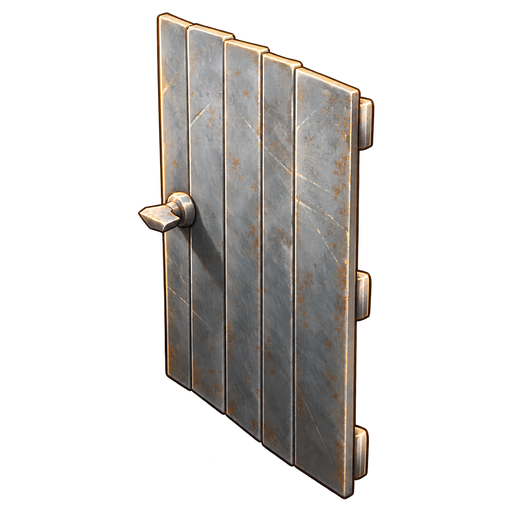
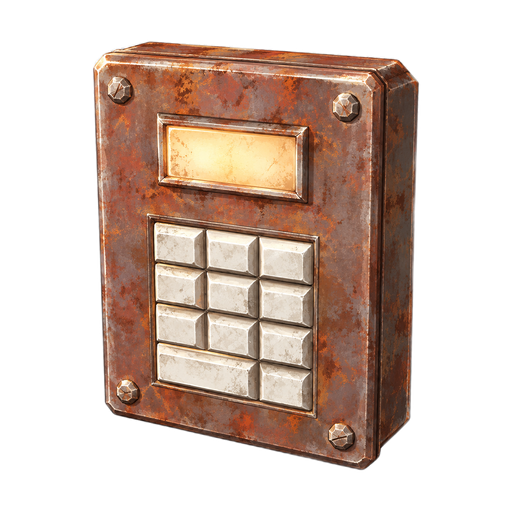
Fit a Code Lock or a Key Lock to a door, a wooden chest or the Wooden Cupboard. A Code Lock is made at a Crafting Bench: use Set code to choose four digits. You and your squad open it without the code; anyone else must use Enter code, and each wrong guess makes them wait longer. Once someone opens it with the code, it stays open until you or a squadmate choose Lock.
A Key Lock is made by hand and opens only for someone carrying its key, you included. Your key opens every Key Lock you and your squad own, Make extra key gives you spares, and a key you hand to someone else opens them for that person too. Raiders cannot search locked storage. You can also lock the doors of a building out in the world to claim it, up to a limit for your squad, but doors in trader buildings cannot take new locks.
Picking locks
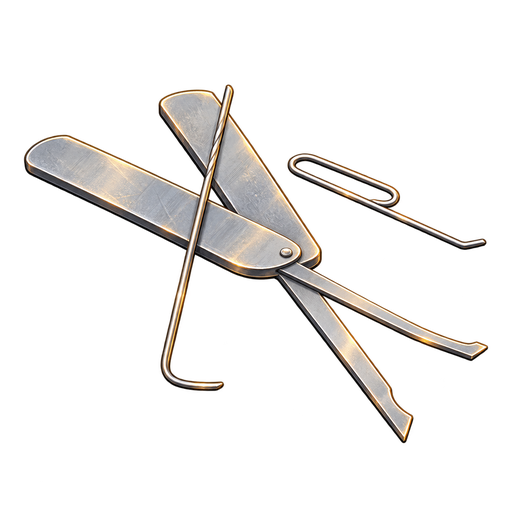
Some crates and lockers in military sites, towns and farms are locked. Carry a Lock Pick and choose Pick lock: it takes a few seconds, and moving away, being hit or opening a screen stops it. Sometimes the pick breaks and the lock holds, and the better the lock, the more often: rarely at farms, most often on military locks and locked military crates. Bring spares. Picking makes noise that draws attention. Locked military crates are always locked and hold better loot. A Lock Pick cannot open another player's Code Lock or Key Lock.
Storms and fire
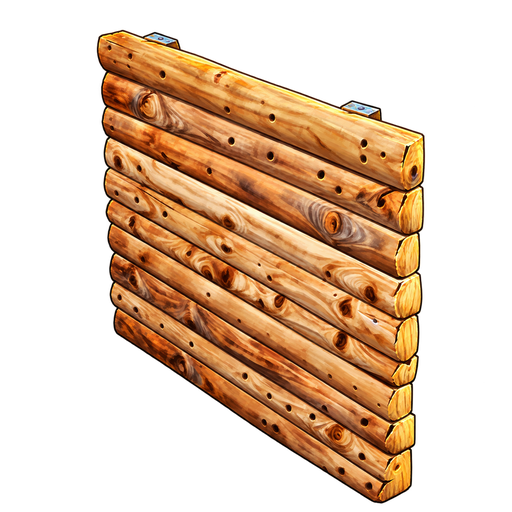
Storms slowly wear down wooden building pieces and doors left in the open; a roof or floor overhead cuts the wear a lot. Stone, metal, storage, beds and stations do not wear. A lit Campfire also slowly burns wooden and other burnable parts directly above it, up to about one and a half metres over the flame, and the placement preview warns you. Stone and metal do not burn, and other stations do not do this.
Repairs and a fallback
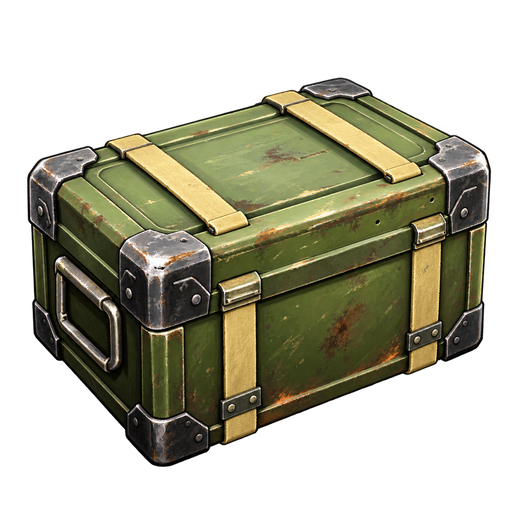
Hold a Hammer or Stone Hammer and choose Repair on a damaged piece. Repairs cost materials, so keep some at your base. A piece that loses all its health breaks, and the pieces it holds up can fall with it. For the worst case, a Stash Cache's contents survive even if the cache is destroyed, and the safe pocket keeps what you packed in it when you die; Death and recovery explains both.
Turrets
4
- Ballista TurretA primitive turret that is slow to fire but packs a punch. Uses ballista bolts.
- M2 Browning TurretA medium sized mounted turret. Uses .50 BMG ammunition.
- Minigun TurretA medium sized mounted turret with a fast fire rate. Uses 7.62x51mm ammunition.
- TADS TurretAn automated defence turret. Supply ammunition before use.
Turret ammunition and power
Selected items: 4
Traps
Selected items: 2
Locks and lock picks
Selected items: 3
Explosives
Selected items: 1
Sensors and alarms
Selected items: 3
Repair tools
Selected items: 2